Published by Adrian Vogel · Reading time: approx. 3 minutes
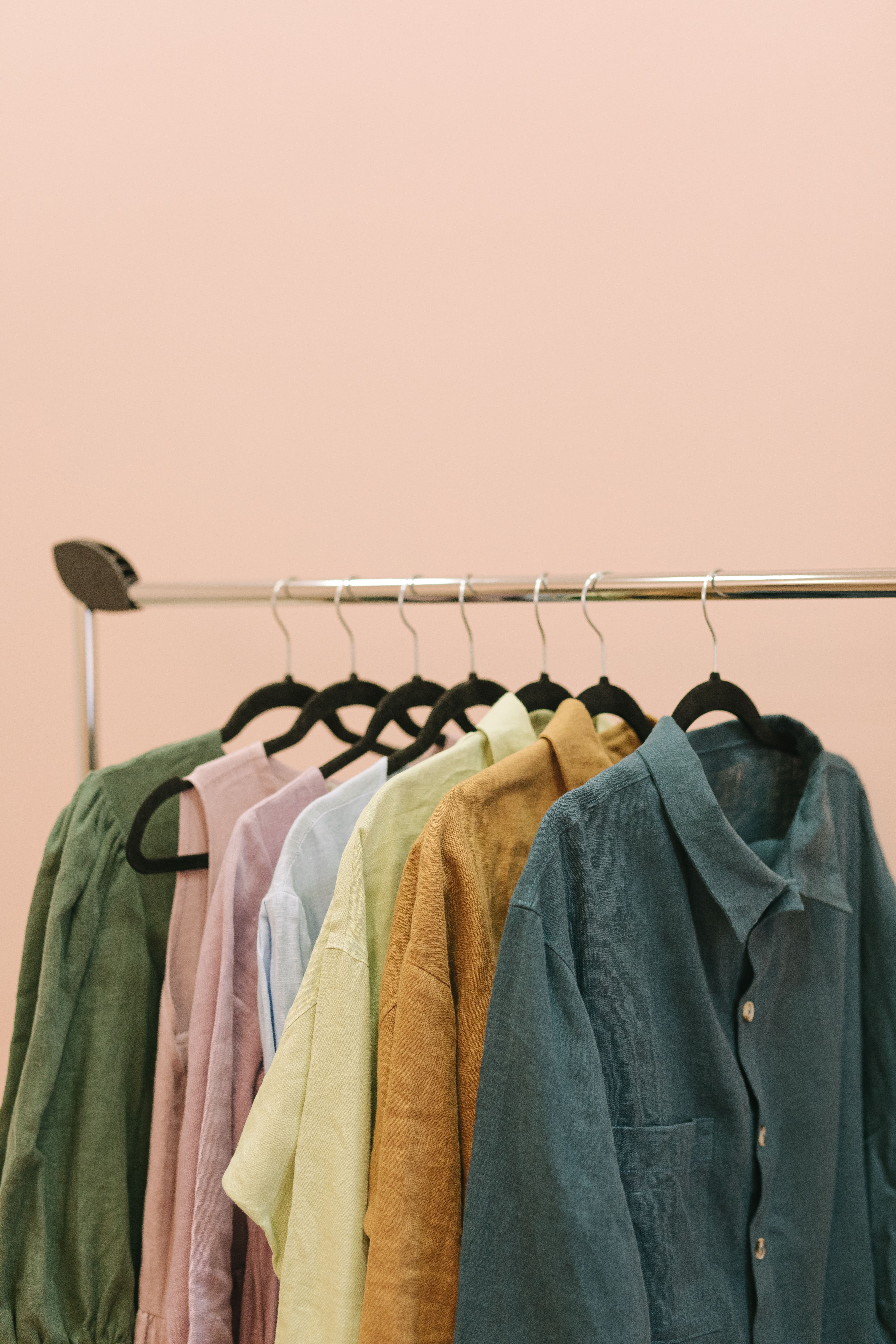
It's getting colder. The summer clothes want to go into the box, the winter coats back onto the hooks – and suddenly the wardrobe is too small. No reason for a big project. One shelf, one clothes rail, one cosy afternoon with a cup of tea: that is all it takes to head into winter travelling a little lighter.
Why now?
The change of season is the most natural moment to declutter. You are picking up every piece anyway – so you might as well decide whether it gets to stay.
And there's more: when it turns cold outside, plenty of people are looking for a warm jacket. What only hangs in your wardrobe could keep someone else warm this very winter – sold, given away or donated.
Three piles, one question per piece
The Swedish method of Döstädning makes it pleasantly simple. Every piece goes onto one of three piles:
- Keep – what you wear and love.
- Sell or give away – what is in good shape but no longer suits you.
- Discard – what no longer brings anyone joy.
And so you don't brood for ages, ask yourself just one question per piece: Did I wear it last winter? If not, it may move on. Exceptions are allowed – it's your call. And if letting go is hard for you: you're in good company – here's why.
Try it: five jackets, five decisions
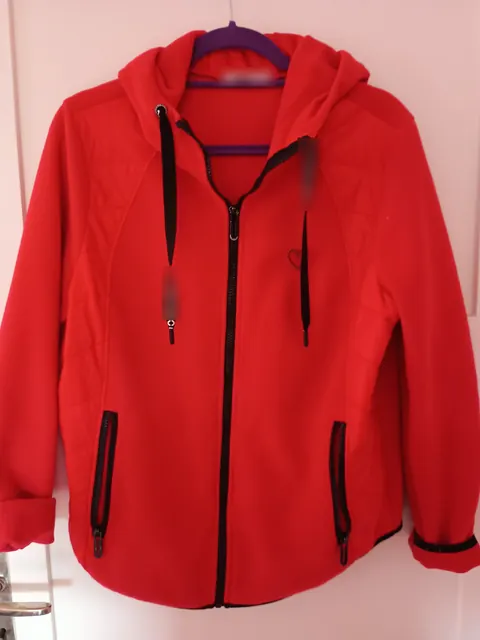
In our Döstädning video we sort a wardrobe with five jackets and coats. Now it's your turn. Swipe left, up or right on your phone – or use the buttons on a computer. Will you end up deciding the same way we did?
Five little tips for your winter clear-out
- Start small. First the coat hooks in the hallway, then the wardrobe. Starting on everything at once usually means stopping halfway.
- One decision per piece. Moving things back and forth wears you out. "Not sure yet" is allowed – but only for a few pieces.
- Photograph what may move on straight away. With a good photo a coat is sold or given away much faster.
- Keep broken things out of the donation bag. What nobody can wear any more doesn't belong in a clothing donation. Your local council can tell you where old textiles go.
- Enjoy the space. A rail with room between the hangers feels surprisingly good.
And where does it all end up?
That is exactly what Order & Legacy in OWNAMIC is for: you photograph a piece, OWNY, the assistant in OWNAMIC, recognises what it is, and you swipe it onto one of the three piles – just like in the example above. Afterwards you can see at a glance what is to be sold, given away or discarded, and at the end the letting-go balance shows you what has already left.
Step-by-step guides: Decluttering room by room · Minimalism · Avoiding duplicate purchases
Declutter for winter – the video
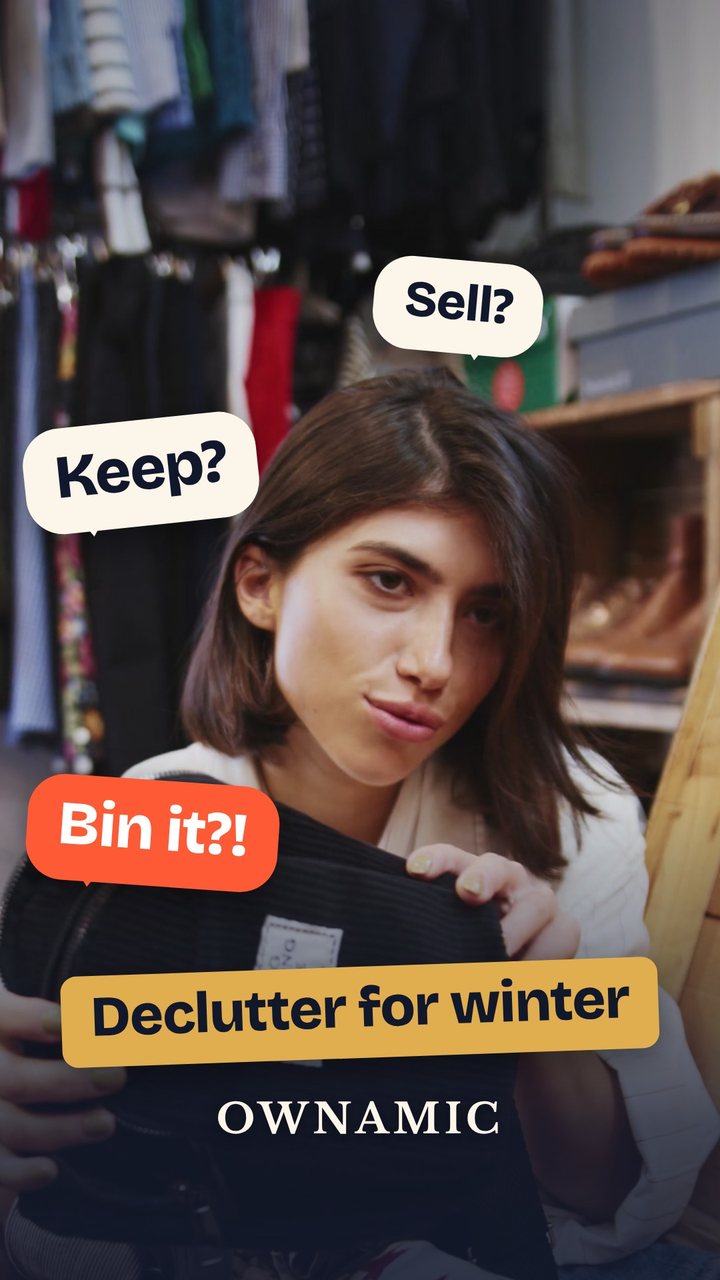
Our short video shows what this looks like in real life. Keep? Sell? Bin it?!
Try it now
Free for 14 days, no payment details. All you need is your email address.
Registration is subject to our Terms and Conditions and Privacy Notice.